
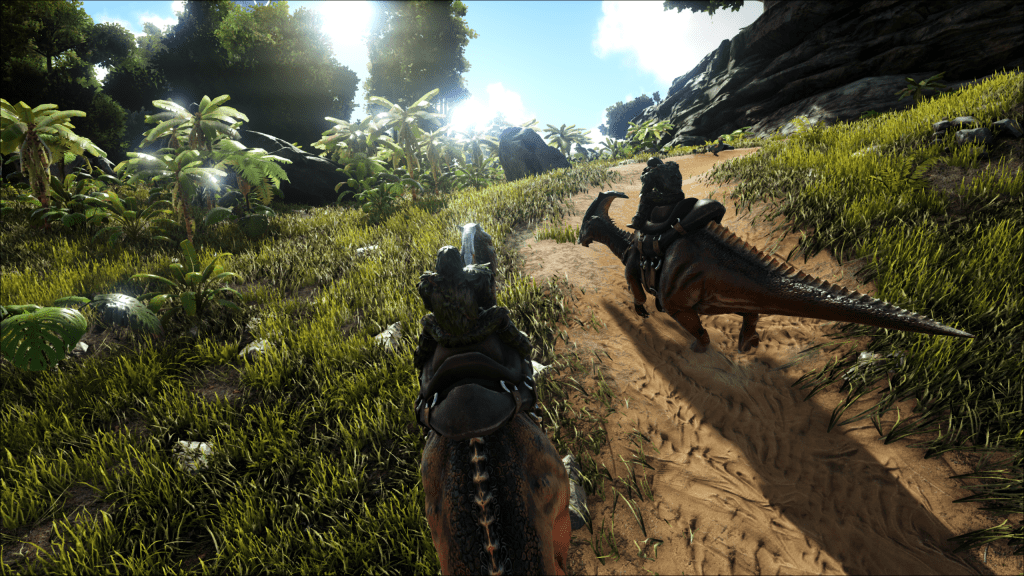
Ark Survival Evolved is one of the first games I think of when I think survival crafting open world. It’s been around for nearly 10 years so I feel like it’s one of the classics of that time period where everything was survival crafting in one form or another.
The squad has a thing against Battleye, something I’ve never understood, but have respected and so we’ve steered clear of games that use it. Ark being one of them, it’s been filed away as a game I wouldn’t ever play.
Over the summer I aquired a little Dell Optiplex 3050 that I installed Ubuntu server on to run a few self hosted apps. With an i7 processor, 32GB or RAM, and a 1TB nvme, it’s got a lot of resources for a small form factor business computer. I’ve been running Pi-hole for ad blocking and FreshRSS for my RSS feeds in docker containers on it, which doesn’t use much. I was curious to see what else I could run on it, and found dedicated game servers as an option.
On the Linux Game Server Manager site. I found a ton of games that I could set up a game server for. From there, I saw that Ark was listed and when looking through the server configuration, I saw that Battleye could be disabled for the server. I pined Blades and he was down to test it out as long as he didn’t have to install Battleye.
The dedicated server setup didn’t look too hard on the Ark wiki but I was curious to see if there was a docker image out there that I could run along side my other containers. I found the Hermsi docker image and it was super simple to set up and deploy. Honestly, I’m kind of suprised everything just worked out of the box. I was expecting to spend some time troubleshooting but I was able to add my game server to Steam, and then connect to it in Ark without any issues.
The next challenge was getting Blades to connect toit. I’ve been using Tailscale so I can get my FreshRSS feed on my phone while I’m out of the house and I didn’t want to mess with opening ports up on my router for the game server. So I used Tailscale’s sharing feature to share out the server to Blades. After he set up Tailscale on his computer he was able to connect without an issue, another pleasant surprise.
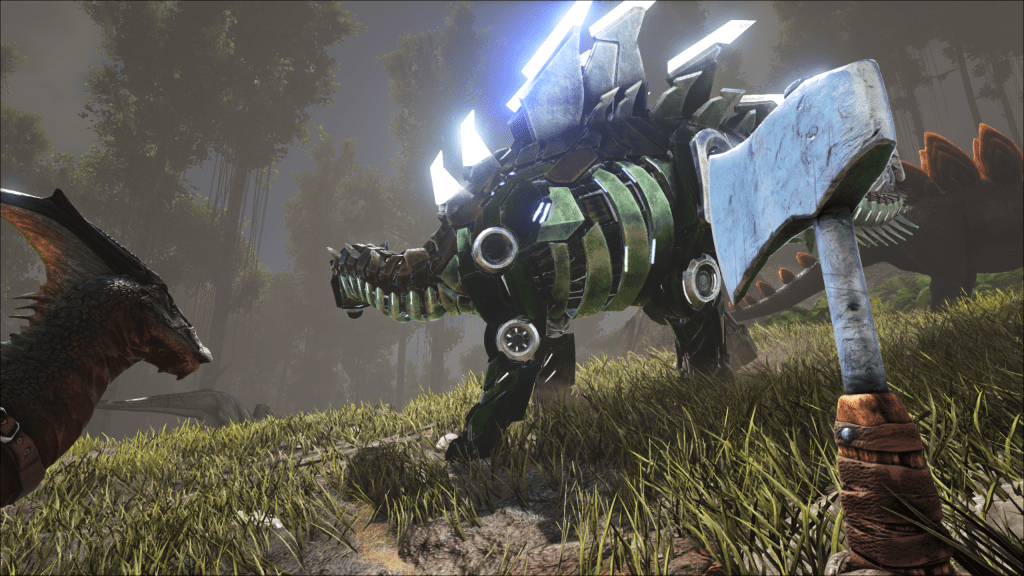
There are a few settings I changed via the GameUserSettings.ini file to adjust the game to a 2-4 player server so it wouldn’t take forever do get going:
- OverrideOfficialDifficulty=5
This increased the level of wild dinos from 30 to 150. Everything I could find said this was a good difficulty level for normal play - TamingSpeedMultiplier=5
Increases the taming speed so we don’t have to wait around for hours to tame something. - HarvestAmountMultiplier=3
Increases the amount of resources harvested from a node. At first this seemed like over kill but some of the crafting recipies need a ton of resources so this feels about right for the two of us playing right now. - ResourcesRespawnPeriodMultiplier=0.5
This halves the time it takes for resources to respawn
I also changed these settings that account for the server running 24/7 and only a few people playing on it:
- TamedDinoCharacterFoodDrainMultiplier=0.5
Helps to prevent the dinos from starving to death when we aren’t playing - DisableStructureDecayPVE=True
Prevents structures from decaying over time and needing repaired. - StructureResistanceMultiplier=0.5
Structures take half damage from dinos. Preventing a wild dino from destroying our base while we’re not online.
It’s worked out well so far. It’s only Blades and I playing right now but we’re hoping the rest of the squad will join us soon. It’s been fun to have a persistent world where we don’t have to be on at the same time to work on it.
 Many Welps